Most “Claude Code for influencer marketing” guides on the open web right now have one thing in common: no code. They describe pipelines, name-drop a few MCPs (Stripe, Apify, Firecrawl), drop a $450K case study with no math behind it, and call it a tutorial. If you try to build what they describe, you get stuck on step one.
This is the version with code.
You will get a complete pipeline that runs inside Claude Code: discovery, brand-fit scoring, lookalike expansion, outreach with a human-approved gate, content monitoring, and payments. Every Influship step uses a current SDK call against the public API, and the illustrative responses mirror the published contract. The trade-offs (what works, what doesn't yet, where you still need a human) are called out as they come up.
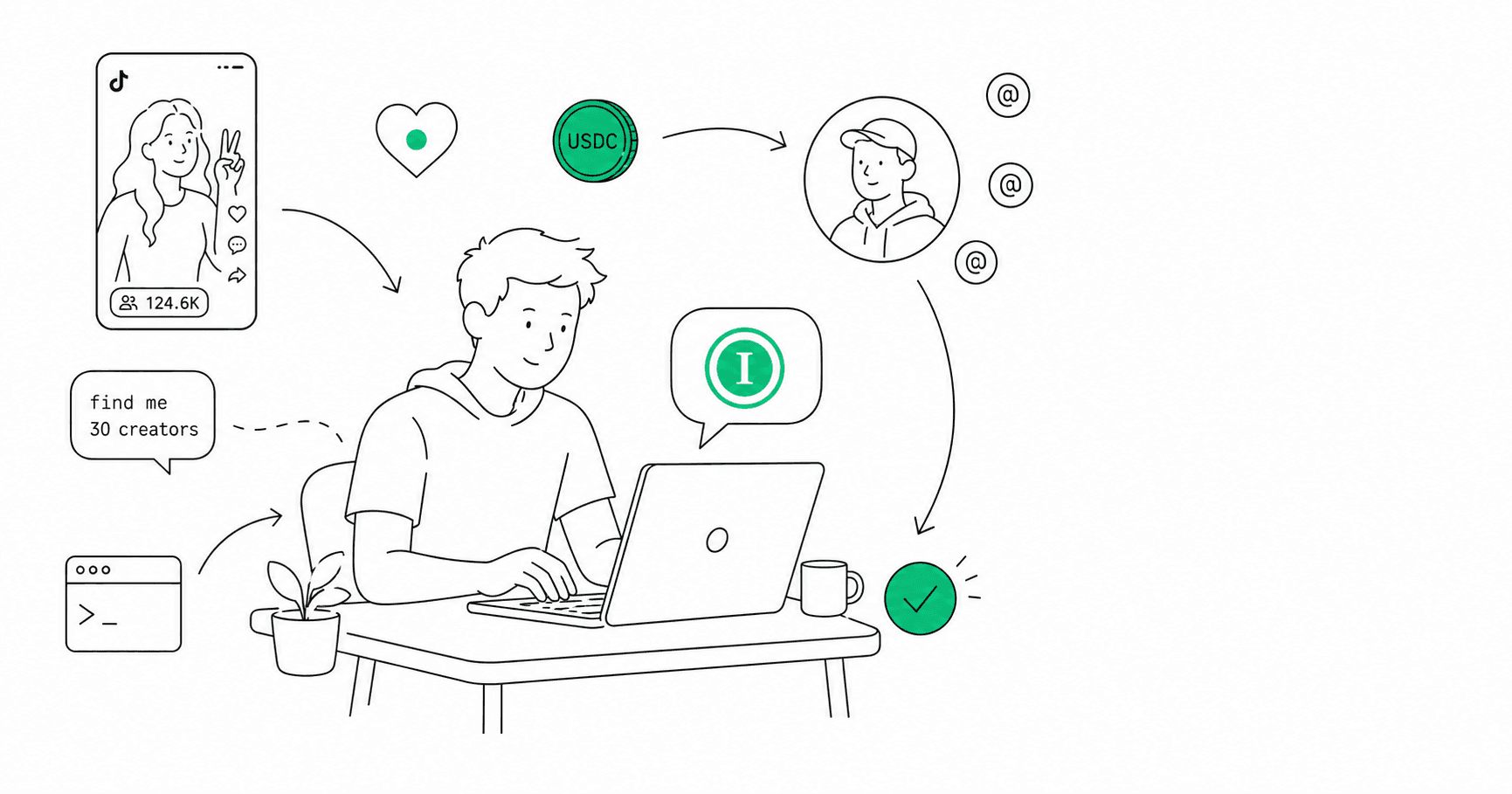
Think of it as pipeline-as-code for influencer marketing. Three layers stacked together: a discovery layer that turns a brief into a ranked, vetted shortlist; an action layer (Claude Code) that runs the workflow end to end; and a payment layer that does not stall on human sign-up forms. Each layer is independently swappable. The rest of this guide builds all three.
If you run influencer campaigns and you can read TypeScript, you can build this today. In practice, manual creator discovery and vetting can consume days once you add sourcing, profile checks, and shortlist review. The pipeline below turns those repeatable steps into a workflow you supervise from your terminal.
What the pipeline actually does
End to end, the workflow has six steps:
- Discovery. Natural-language search returns a ranked list of creators matched to your brief.
- Vetting. Each candidate gets a brand-fit score, a recommendation (good / neutral / avoid), and the reasons behind it.
- Lookalike expansion. Seed the system with proven creators, get back a deeper shortlist of similar ones.
- Outreach. The agent drafts personalised outreach. You approve before anything leaves your inbox.
- Content monitoring. Once campaigns are live, the agent polls for brand-mentioning posts and surfaces them back.
- Payments. The agent settles per-request API calls itself. Creator payouts still route through Stripe Connect or PayPal Mass Payouts, and we will be honest about why.
The whole thing runs in Claude Code, against the Influship MCP server for discovery and our REST API for everything else. No spreadsheets in the loop. No copy-pasting between dashboards.
Setup: three ways to call Influship
Before any code, get the connection working. There are three options, and you can mix them inside the same pipeline.
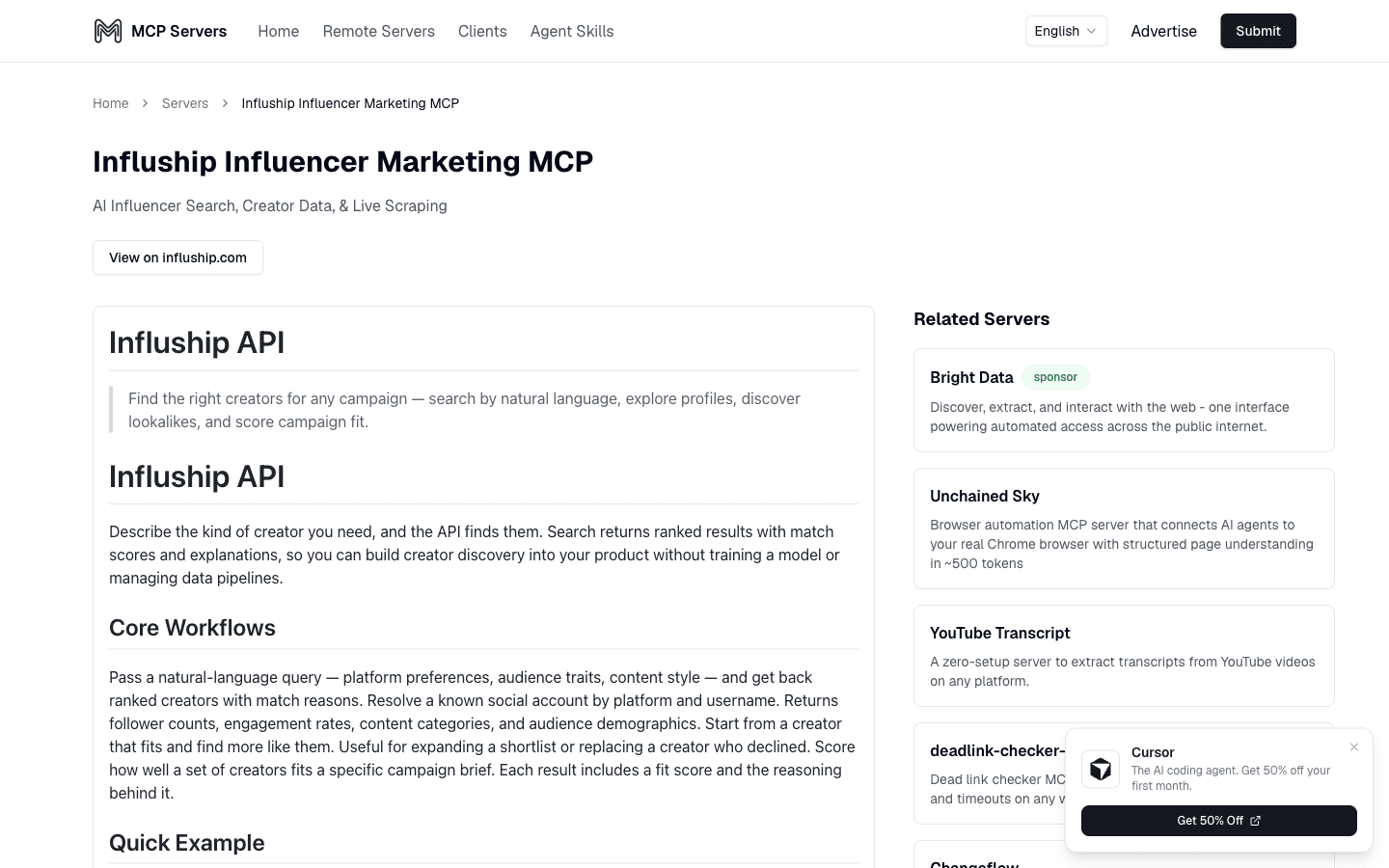
Option 1: Native MCP. This is the one you want if Claude Code is the surface where the work happens. Add Influship as an MCP server and the assistant gets semantic_search_creators, match_creators, find_lookalike_creators, get_profile, lookup_profiles, get_creator, and other first-class tools.
claude mcp add influship --transport http https://mcp.influship.com/mcp \
--header "X-API-Key: your-api-key-here"That is the whole setup. Restart Claude Code, and the tools show up. Full walkthrough for Cursor, ChatGPT, and the rest in the MCP server guide.
Option 2: REST + the TypeScript SDK. When you want to script the pipeline directly (a cron job, a webhook handler, a Next.js route), the SDK gives you typed access to the same surface area:
import Influship from 'influship';

const client = new Influship({ apiKey: process.env.INFLUSHIP_API_KEY });

const search = await client.search.create({
  query: 'plant-based protein creators with female-skewing US audience',
  filters: { followers: { min: 10000, max: 250000 }, engagement_rate: { min: 3 } },
  limit: 25,
});Option 3: Apify actors. If you already run an Apify pipeline (most marketing-engineering teams that touch scraping do), our actors at apify.com/influship drop into the same orchestration alongside your Instagram and TikTok scrapers. Useful for adjacent tasks like bulk YouTube transcript extraction and for teams that prefer Apify's pay-per-event billing over credits.
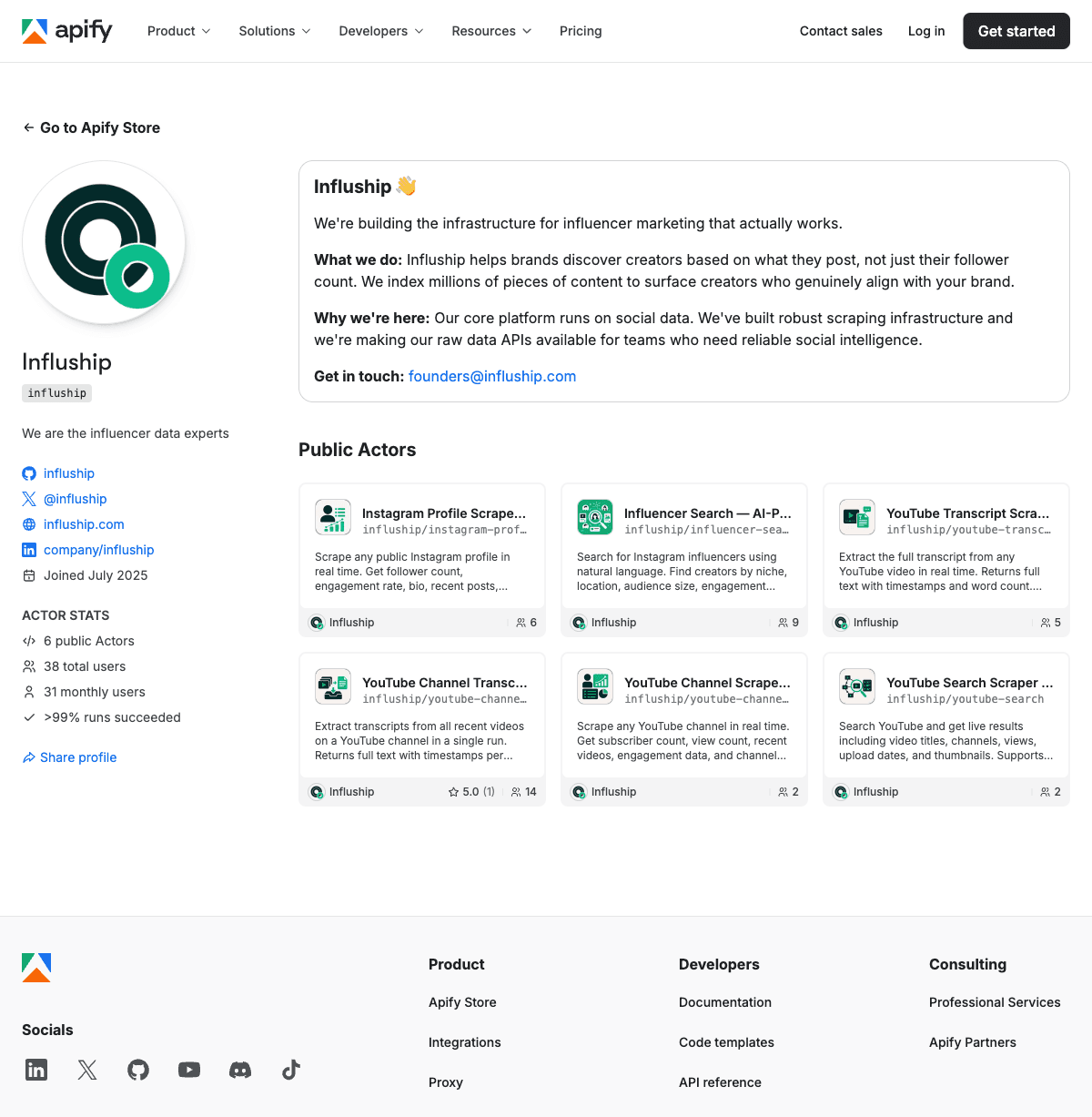
Most pipelines end up using two of the three. Discovery and vetting happen interactively in Claude Code via MCP. The scheduled jobs (monitoring, payouts) run on the SDK. Apify shows up when a step needs scraping work the Influship index does not cover.
The rest of this guide uses the SDK so the code is portable. The creator search, profile, posts, lookalike, and matching operations are also available through MCP by asking the assistant in plain English.
Step 1: Discovery
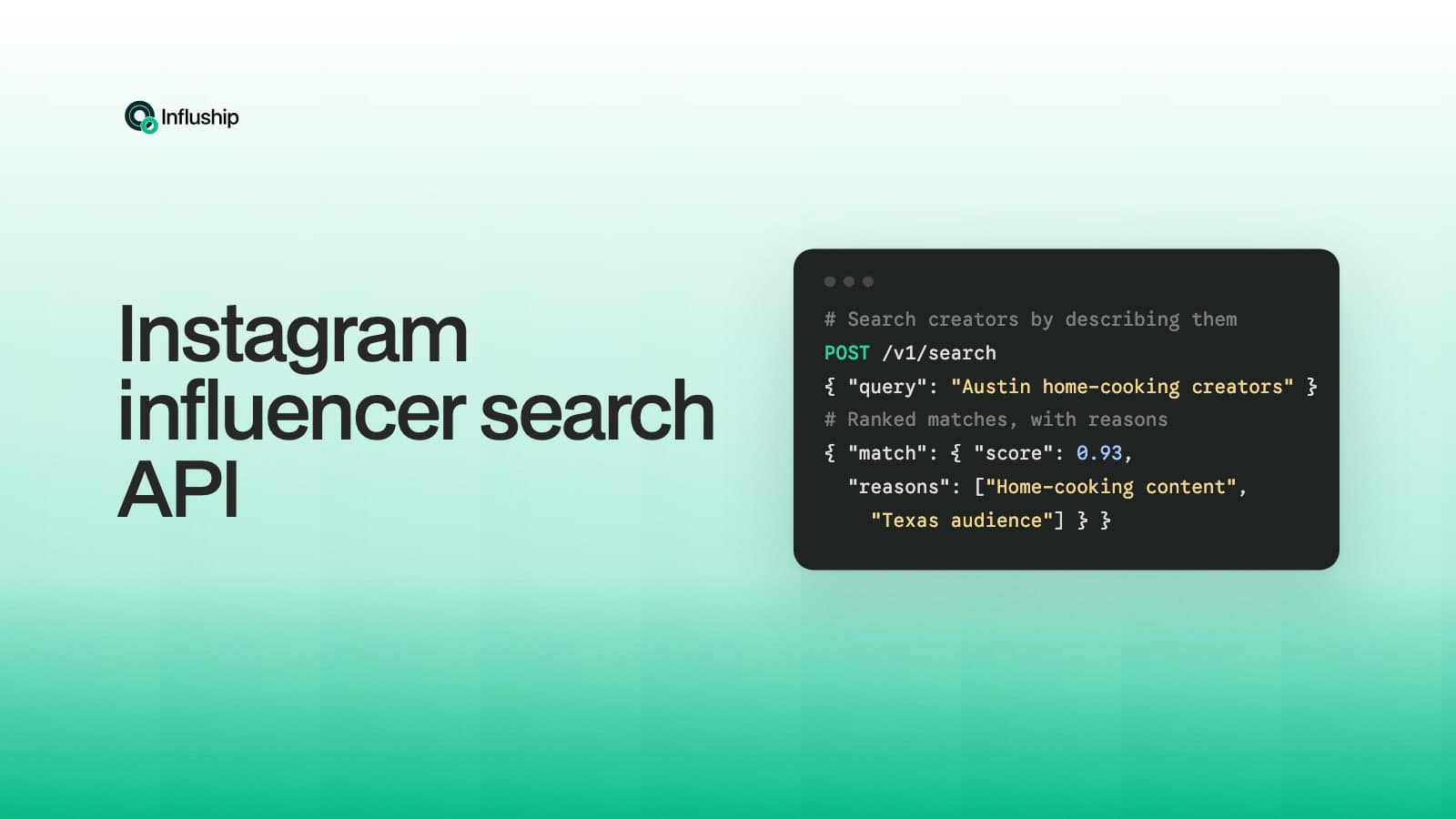
The first call is the one that does the most work. You hand it a natural-language brief and you get back ranked creators with the reasons each one matched.
const brief = `
Looking for fitness creators promoting plant-based protein.
US audience, female-skewing 18-34, posts at least 3 times per week.
Strong organic engagement, no AI-generated content, no obvious sponsorship spam.
`;

const search = await client.search.create({
  query: brief,
  platforms: ['instagram'],
  creator_kinds: ['INFLUENCER'],
  filters: {
    followers: { min: 25000, max: 250000 },
    engagement_rate: { min: 2.5 },
  },
  limit: 30,
});

console.log(search.total, search.data.length, search.search_id);A trimmed response looks like this. Every row has the creator, the primary profile (with engagement rate, follower count, verification), and a match object with a score and the reasons:
{
  "search_id": "123e4567-e89b-12d3-a456-426614174000",
  "total": 30,
  "has_more": false,
  "next_cursor": null,
  "data": [
    {
      "creator": {
        "id": "223e4567-e89b-12d3-a456-426614174001",
        "name": "Maya Russo",
        "bio": "Plant-based PT in Austin."
      },
      "primary_profile": {
        "username": "maya.russo.fit",
        "platform": "instagram",
        "followers": 84200,
        "engagement_rate": 5.2,
        "is_verified": false,
        "url": "https://instagram.com/maya.russo.fit"
      },
      "match": {
        "score": 0.91,
        "reasons": [
          "Posts plant-based recipes alongside strength-training content",
          "Profile metrics meet the requested follower and engagement filters"
        ]
      }
    }
  ]
}That search_id identifies a fixed search session for one hour. Retrieving the session again during that window is free, but its original limit remains the ceiling. A search created with limit: 30 never expands beyond 30 results, and the API caps a session at 100.
If you would rather drive this from Claude Code conversationally, the equivalent prompt is “Find fitness creators promoting plant-based protein, US female-skewing 18-34, 25k-250k followers, engagement above 2.5%, return 30.” The semantic_search_creators MCP tool runs and the data comes back inside the conversation. Claude can reason over those returned rows; changing the brief starts a new search.
Step 2: Vetting
Discovery is necessary but not sufficient. A creator who looks great by the numbers can still be wrong for your campaign in ways the search vector does not catch. Have they posted about a competing protein brand in the last 30 days? Does the audience tone match the product? Did they get pulled into a controversy last quarter?
The creators.match endpoint exists for that step. You hand it the shortlist and the campaign intent, and it returns a per-creator decision with evidence.
const shortlist = search.data.slice(0, 10).map(row => ({ creator_id: row.creator.id }));

const match = await client.creators.match({
  creators: shortlist,
  intent: {
    query: 'Promote our new plant-based protein powder, focus on women in their 20s and 30s',
    context: 'Brand voice: warm, no clinical claims, no hard fitness aesthetic.',
  },
});

const good = match.data.filter(c => c.match.decision === 'good');
console.log(`${good.length} of ${match.data.length} cleared vetting`);A trimmed response looks like this:
{
  "data": [
    {
      "creator": {
        "id": "223e4567-e89b-12d3-a456-426614174001",
        "name": "Maya Russo"
      },
      "match": {
        "decision": "good",
        "score": 0.88,
        "reasons": [
          { "text": "Recent content consistently covers plant-based training and nutrition." },
          { "text": "Tone is warm and educational, fits the brief's voice requirement." }
        ]
      }
    },
    {
      "creator": {
        "id": "323e4567-e89b-12d3-a456-426614174002",
        "name": "Jordan Pace"
      },
      "match": {
        "decision": "avoid",
        "score": 0.22,
        "reasons": [
          { "text": "Creator themes do not align with the plant-based campaign brief." }
        ]
      }
    }
  ]
}The decision field is the part that makes this scriptable. You can filter on it directly. Anything avoid is gone. Anything neutral gets surfaced to you for a human read. Anything good rolls into the next step. The pattern that works:
const shortlist = match.data
  .filter(c => c.match.decision === 'good' && c.match.score >= 0.75)
.map(c => c.creator.id);There is also a deeper read available with client.creators.retrieve(id, { include: ['profiles'] }). That one returns an AI-generated summary, content themes, brand alignment, audience demographics, and key facts. Use it on the top 3-5 before outreach. The cost per call is low and the context you get back makes the outreach drafts massively better.
Step 3: Lookalike expansion
You have 8 vetted creators. The brief calls for 30. Instead of rewriting the broad search, expand from the strongest creators who already passed.
const expanded = [];

for await (const item of client.creators.lookalike({
  // The endpoint accepts at most 10 seed creators.
  seeds: shortlist.slice(0, 10).map(id => ({ creator_id: id, weight: 1 })),
  filters: { followers: { min: 25000, max: 250000 } },
  limit: 50,
})) {
  expanded.push(item);
  if (expanded.length >= 50) break;
}

console.log(`Expanded to ${expanded.length} candidates`);Each row comes back with a similarity score and the shared traits that drove it:
{
  "creator": {
    "id": "423e4567-e89b-12d3-a456-426614174003",
    "name": "Lena Cho"
  },
  "primary_profile": {
    "username": "lena.movement",
    "followers": 47800,
    "engagement_rate": 6.1
  },
  "similarity": {
    "score": 0.83,
    "shared_traits": ["plant-based recipes", "strength training", "US 25-34 audience"]
  }
}Now run the new batch back through creators.match against the same intent. The good ones join the shortlist. The avoids are dropped. Repeat once if needed.
The compounding pattern here, search → vet → expand → vet, is what makes the pipeline scale. It lets you grow a vetted shortlist without treating a fresh broad search as the only expansion strategy.
Step 4: Outreach (with a human-approved gate)
This is the step where most automated pipelines go wrong. Fully automated outreach without a human gate produces creator inboxes full of identical AI-written notes, which creators detect and tune out within a week. Done well, the agent drafts each one in the creator's voice, you approve in batch, and the send happens after you approve.
The drafting is straightforward. Pull the creator's AI summary and content themes via creators.retrieve, hand both to Claude Code, ask for a personalised note.
const detail = await client.creators.retrieve(creatorId, { include: ['profiles'] });

const prompt = `
Write a short outreach DM to ${detail.data.name} for our plant-based protein campaign.
Their content themes: ${detail.data.content_themes.join(', ')}.
Their vibe: ${detail.data.vibe_and_aesthetics}.
Match their tone. Do not pitch hard. Open with one specific reference to their content.
Keep it under 80 words.
`;What changes the quality is the reference. Use the creator summary and key facts for a grounded draft. If the opening line names a specific post, fetch that post first instead of asking the model to invent one.
The send is where you bring the human back in. The pattern that works:
- Agent drafts all 30 outreach notes into a single review doc (or a Linear/Notion ticket).
- You read through, edit any that feel off, approve in one pass.
- Approved notes ship via your real outreach stack. Stable Email works well for one-off pay-per-send programmatic sends. For volume, plug into your existing CRM or sequencing tool.
This is also where Claude Code's terminal context helps. The agent can read your approved-template file from disk, learn what you typically edit, and produce drafts that need less editing each round.
Won't this just produce AI slop?
The honest answer is: not if the agent has something concrete to reference, and not if you keep the approval gate.
The standard objection to automated outreach is that scaled AI-written DMs all read the same and creators tune them out. That happens when the agent has nothing to anchor the message to. Give it a content theme, key fact, or fetched post that came from the API.
The trick is evidence-based personalisation, not vibes-based personalisation. Generic “love your content” notes lose. A concrete reference gives the recipient a reason to believe the message was written for them. Pull creator-level context from creators.retrieve; use posts.list or a raw post lookup when the draft cites an individual post.
Two operational rules keep the slop out:
- Every post-level reference must come from a fetched post. If the agent cannot retrieve the source, keep the draft at the creator-theme level or hold it for review.
- Approval is human, not optional. Read every draft once and reject any reference that the retrieved data does not support.
Track reply rate from run one and tune the prompt against your own results.
Step 5: Content monitoring after launch
The campaign is live. Twelve creators agreed. Posts go up over the next four weeks. You need to know when each one publishes, what the post says, how it performs, and whether the creator hit the brief.
The naive version is a cron job that polls each creator's profile once a day. The slightly better version uses client.posts.list with sort: 'recent' and filters by mentions of the brand handle:
const brandUsername = 'yourbrand';

for (const creator of activeCampaign) {
  const posts = await client.posts.list({
    creator_id: creator.id,
    sort: 'recent',
    limit: 10,
  });

  const matches = posts.data.filter(p =>
    p.mentions.includes(brandUsername) ||
    p.caption?.includes('@' + brandUsername)
  );

  for (const match of matches) {
    if (!seenPosts.has(match.id)) {
      await notify(creator, match);
      seenPosts.add(match.id);
    }
  }
}For raw post data (full caption, hashtags, engagement counts, transcripts for video), the Instagram raw post lookup endpoints we shipped recently give you the full payload in one call. If the campaign is YouTube-heavy, the Apify YouTube channel transcripts actor pulls every recent video's full transcript so the agent can verify the brand was mentioned the way the contract specified.
Run that on a cadence that fits your account's credit budget and the freshness of the underlying data. A Slack webhook can send the campaign manager the post URL, caption, and available engagement numbers when a new matching post appears.
Step 6: Paying creators (the honest version)
This is where every automated-pipeline article on the open web loses the plot.
Most of them describe a workflow where Claude Code uses the Stripe MCP to “release escrow when the post goes live.” The problem with that description is creator payments are not Stripe payments. They are typically a flat-fee contract with a 50% deposit, a content-deliverable milestone, a 50% balance after publish, and a W9 or W8-BEN on file. The brand's accounting team handles the 1099-NEC at year end. None of that fits inside the Stripe MCP's invoice-and-charge surface area.
So you have two things going on, not one:
Paying creators (humans, fiat, contractual). Stripe Connect, PayPal Mass Payouts, or Wise for international creators. Triggered by your contract milestones, not by the agent autonomously. The post-published trigger from Step 5 can release the second 50% into a queue for the accounting team to approve. The release itself stays human-initiated for compliance and dispute reasons. Don't let an agent move money to a human's bank account without an approval gate. Not yet.
Paying for API calls (machines, per-request, programmatic). This is the actual agentic-payment use case, and Influship supports it natively. Our endpoints accept three payment models on the same URL:
- API key for production traffic. Cheapest per call. Account-level.
- x402 (USDC on Base). Agent hits the endpoint without a key, gets a 402, signs a USDC payment, retries. No signup.
- MPP (Stripe Shared Payment Token or USDC on Tempo). Same dance, different rail. Agent picks whichever its framework already speaks.
Full detail in Influship's x402 and MPP launch post. The relevant bit for this pipeline: when the agent decides to enrich one extra creator profile mid-workflow, it pays for that call and moves on. No sign-up flow blocks the loop.
The headline is unflashy but it matters. Stripe MCP is the right tool for billing your customers. It is the wrong tool for paying your creators, and it is the wrong tool for paying your APIs. Use Stripe Connect for the first. Use x402 or MPP for the second. Use Stripe MCP for what it is built for: charging your buyers on your dashboard.
Illustrative plan: Instagram protein bar campaign
To make the request sizes and costs concrete, here is a hypothetical campaign plan. The creator outcomes below are targets, not reported campaign results.
- Brand: mid-market plant-based protein bar, $24-pack on Amazon, DTC site live.
- Budget: $20,000 across 30 creators.
- Goals: 40 published Reels, US-female 22-34 audience, average engagement >4%, brand-handle mention required in caption and Reel cover frame.
- Tools: Claude Code with Influship MCP, Stable Email for outreach send, Stripe Connect for payouts.
Step-by-step:
- Discovery requests up to 30 ranked candidates. That 30-result limit is the ceiling for the search session.
- Vetting scores those candidates.
goodrows advance,neutralrows get a human read, andavoidrows stop. - Lookalike expansion uses up to 10 approved seeds and requests up to 50 similar creators. The expanded set runs through the same match step.
- Outreach drafts go into a review doc and stay there until a person verifies the references and approves each send.
- Contracts and deposits stay in the brand's existing human-approved workflow for creators who accept.
- Content monitoring polls approved creators and notifies the campaign manager when a matching post appears.
- Payouts can enter a queue after post verification, with a person approving the release.
Measure the actual review time, acceptance rate, and monitoring latency on your first run. Those numbers decide whether the pipeline is earning its place in the campaign workflow.
What this costs
With an API key and every requested result delivered, the Influship portion of the illustrative flow is 241 credits, or $2.41:
- Initial search: 25 base credits + 2 × 30 delivered creators = 85 credits.
- Initial match: 30 creators × 1 credit = 30 credits.
- Lookalike expansion: 50 results × 1.5 credits = 75 credits.
- Expanded-set match: 50 creators × 1 credit = 50 credits.
- Ten deep creator retrieves: 10 × 0.1 credits = 1 credit.
Fewer delivered search or lookalike results cost fewer API-key credits. Claude, outreach, scraping, and payout-provider costs are separate and depend on the services and models you choose. x402 and MPP use requested-size pricing, so their totals differ from API-key billing.
What this does not solve
Three honest gaps:
Contract negotiation. Custom usage rights, exclusivity windows, whitelisting, mid-campaign scope changes. None of that should be agent-automated yet. Templates yes, redlines no. See our influencer contract guide for the human side of this.
FTC compliance. Disclosure language, the #ad placement requirement, sponsored-content flagging. The agent can check whether disclosure exists in a caption, but the standard is still a human's responsibility. See our FTC guidelines post.
Dispute handling. Creator missed the deadline. Creator posted but the product label was off-frame. Creator's audience pivoted between contract signing and publish. These all need a human conversation. The agent can flag them. The agent should not resolve them.
You will also want a brand-safety layer on top of what creators.match does, especially for regulated categories (alcohol, supplements, finance). For those, the right move is to run a separate compliance pass before outreach.
Wrap
The pipeline is real. The code runs against a public API. The trade-offs are visible.
The interesting work in marketing engineering right now is not “use AI to write captions.” It is pipeline-as-code: composing a manual workflow into something you supervise from your terminal. That requires the three layers working in sync. The discovery layer turns a brief into ranked, vetted creators. The action layer (Claude Code) runs the workflow without context-switching out of your terminal. The payment layer lets the workflow buy what it needs as it goes. Influship covers the first and the third. Claude Code covers the second.
To start, take the Step 1 snippet above, swap in a brief that matches a campaign on your desk, and run it. Five minutes from now, you will know whether this pipeline is useful for you specifically. If it is, the rest of the steps stack on top.
Get started: Free plan on Influship, MCP setup guide, or the API docs. For the rest of the developer guides — the MCP server, the creator API, and agentic payments — see influencer marketing for AI agents and developers.